For iPhone
Rehearse your talk out loud.
Load your script, pick an act and start talking. Say “next line” when you blank and it reads you your line. When you finish, you get a score.
Free while in beta. App Store coming soon.
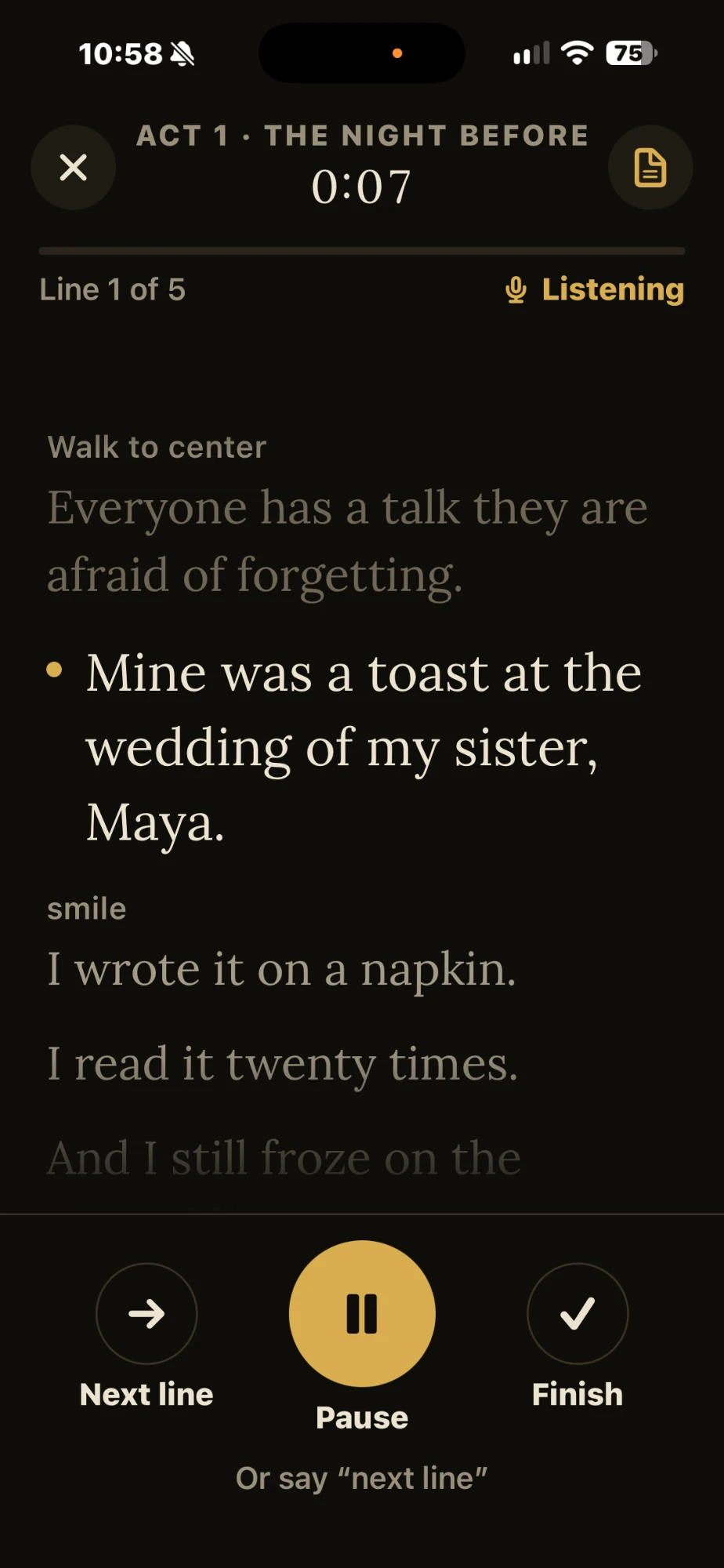
How it works
Load your script, then rehearse one act at a time, standing up, with nobody else in the room.
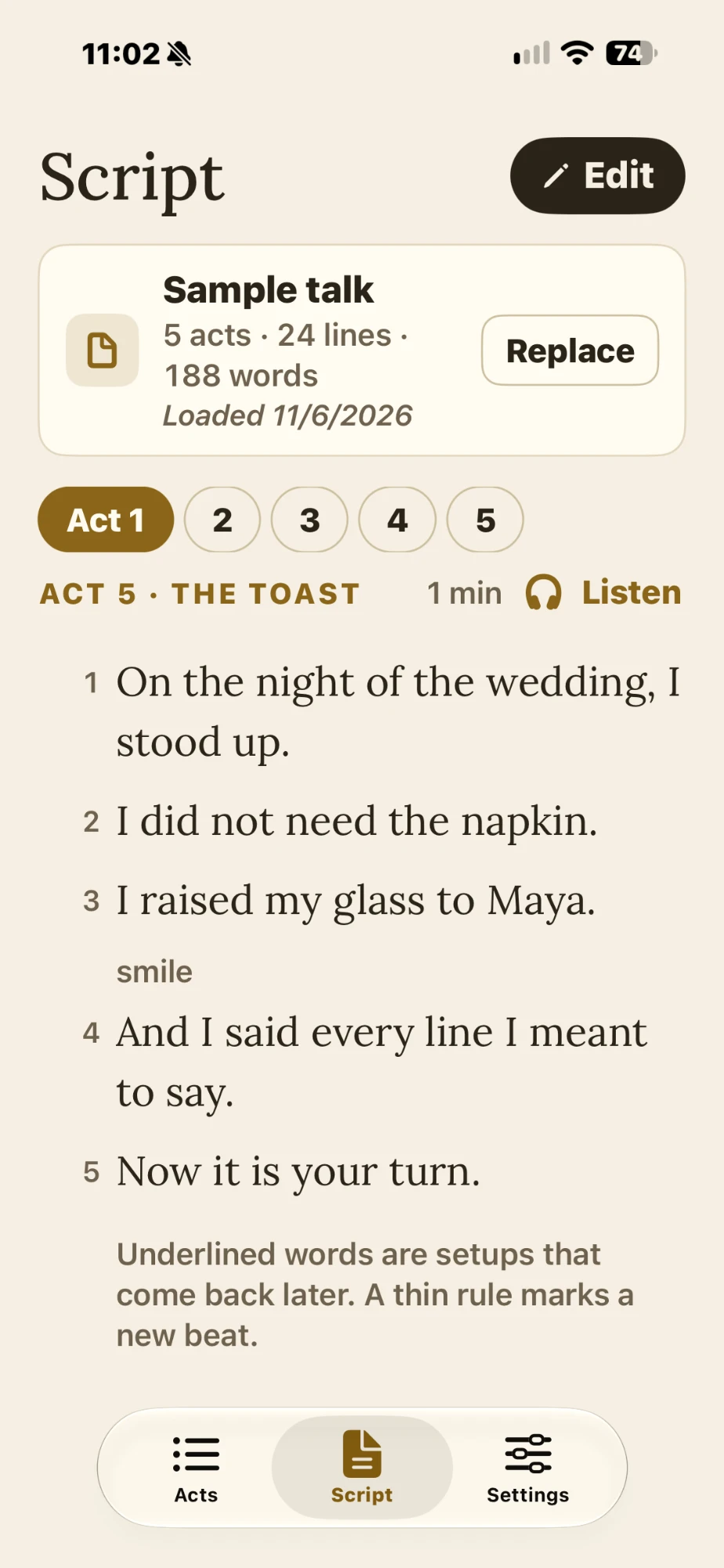
Load your script
Word, PDF, text or Markdown. It finds your acts and keeps your words exactly as you wrote them. Fix anything in the built-in editor.
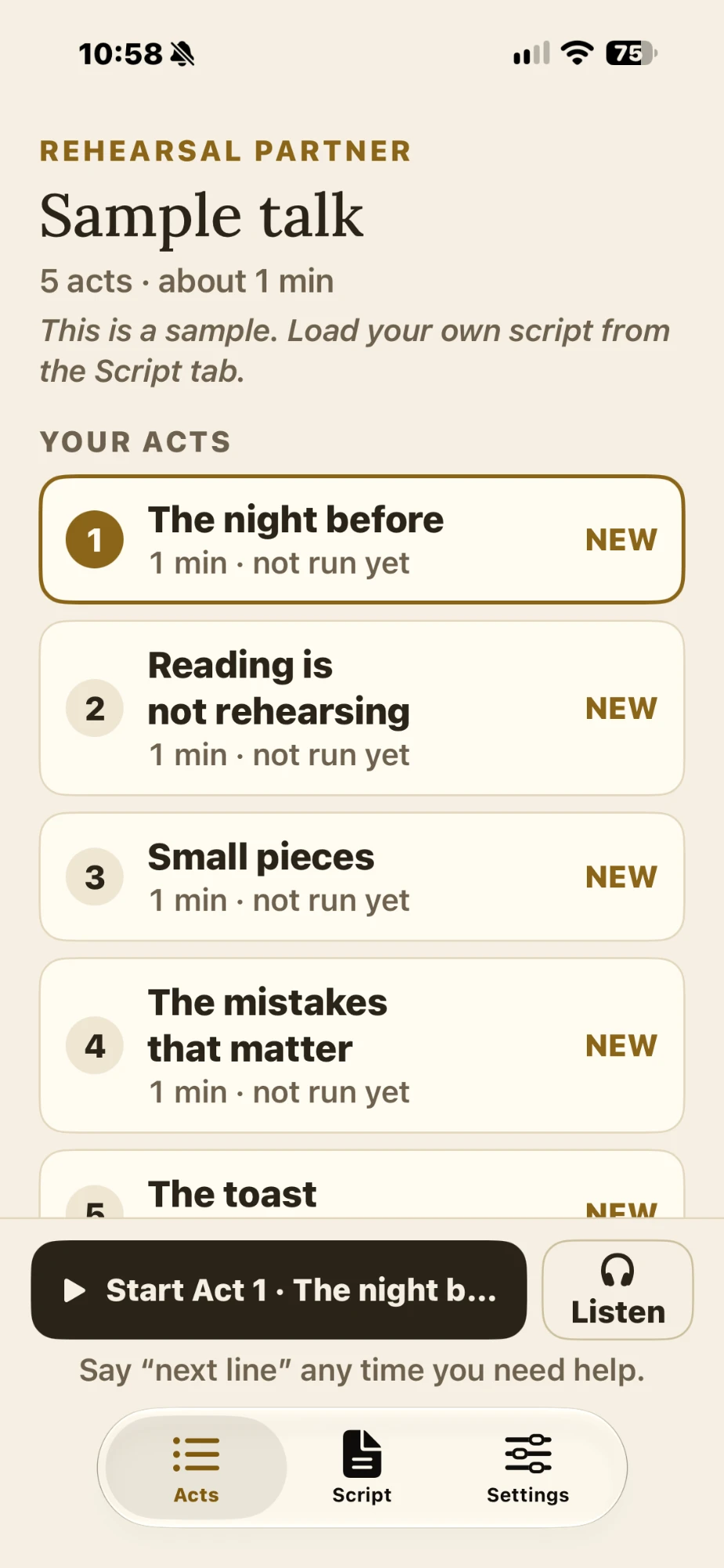
Pick an act
Tap Start to rehearse it out loud, or Listen to hear it read to you.
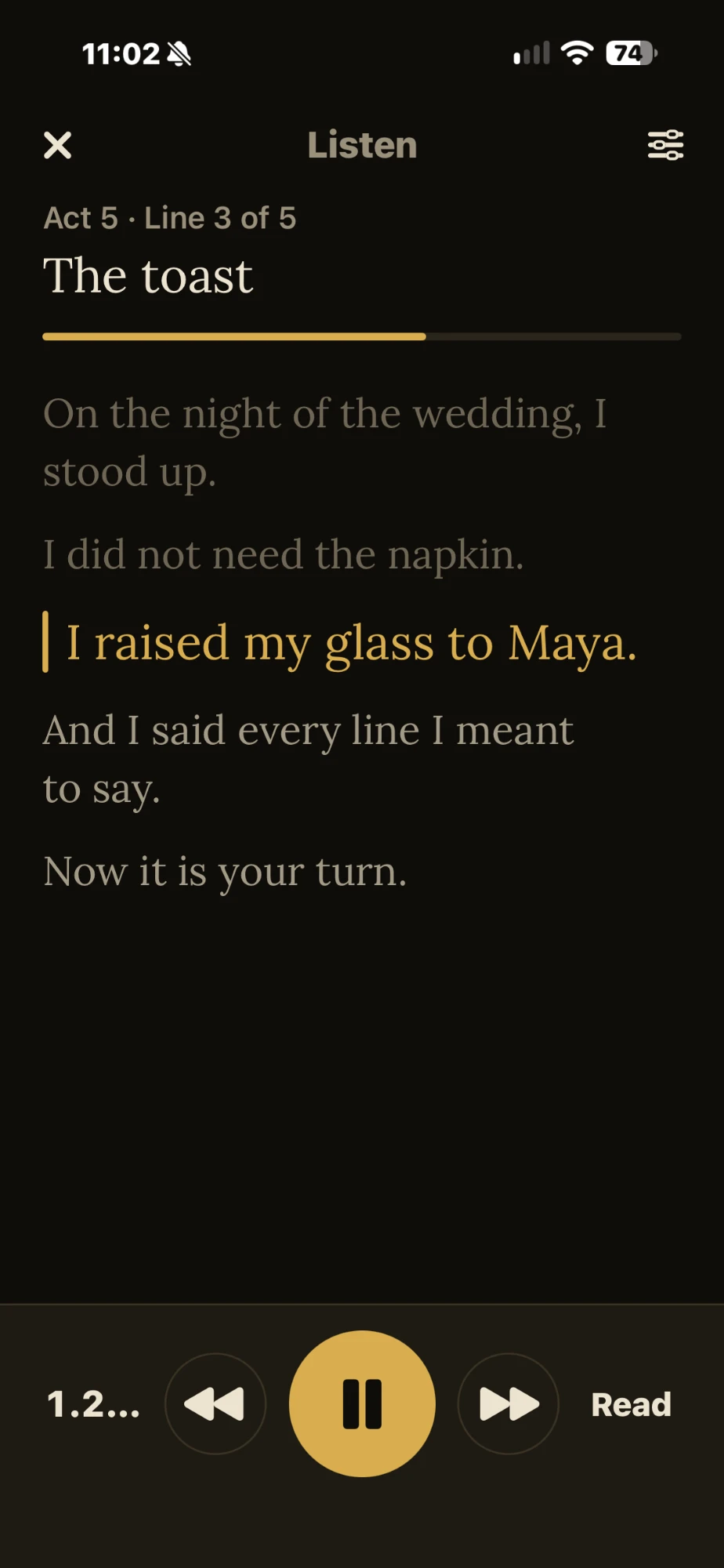
Listen when you can’t speak
On a walk, in the car or on a plane. It reads the act to you and keeps going with the screen locked.
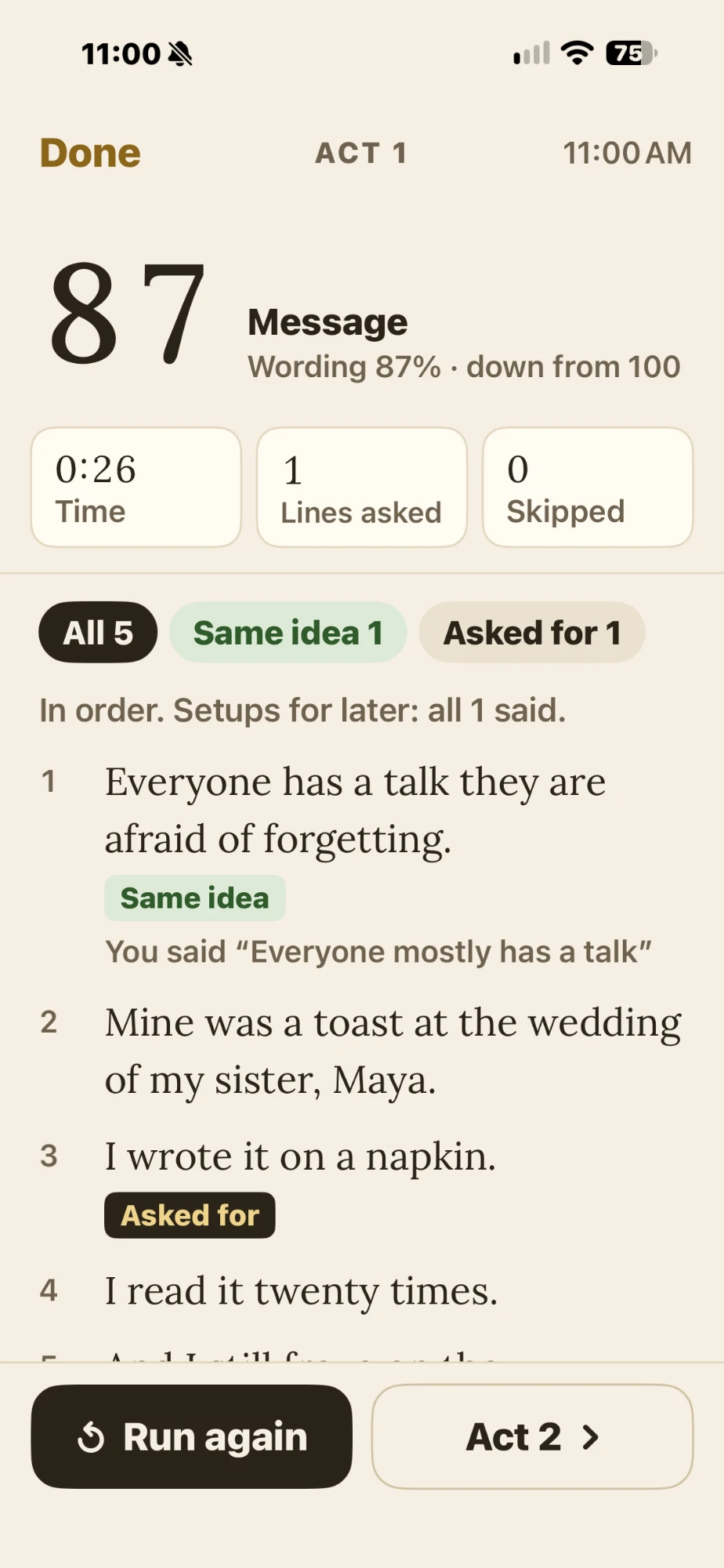
See your score
How well your message came through, plus each line you skipped, paraphrased or asked for.
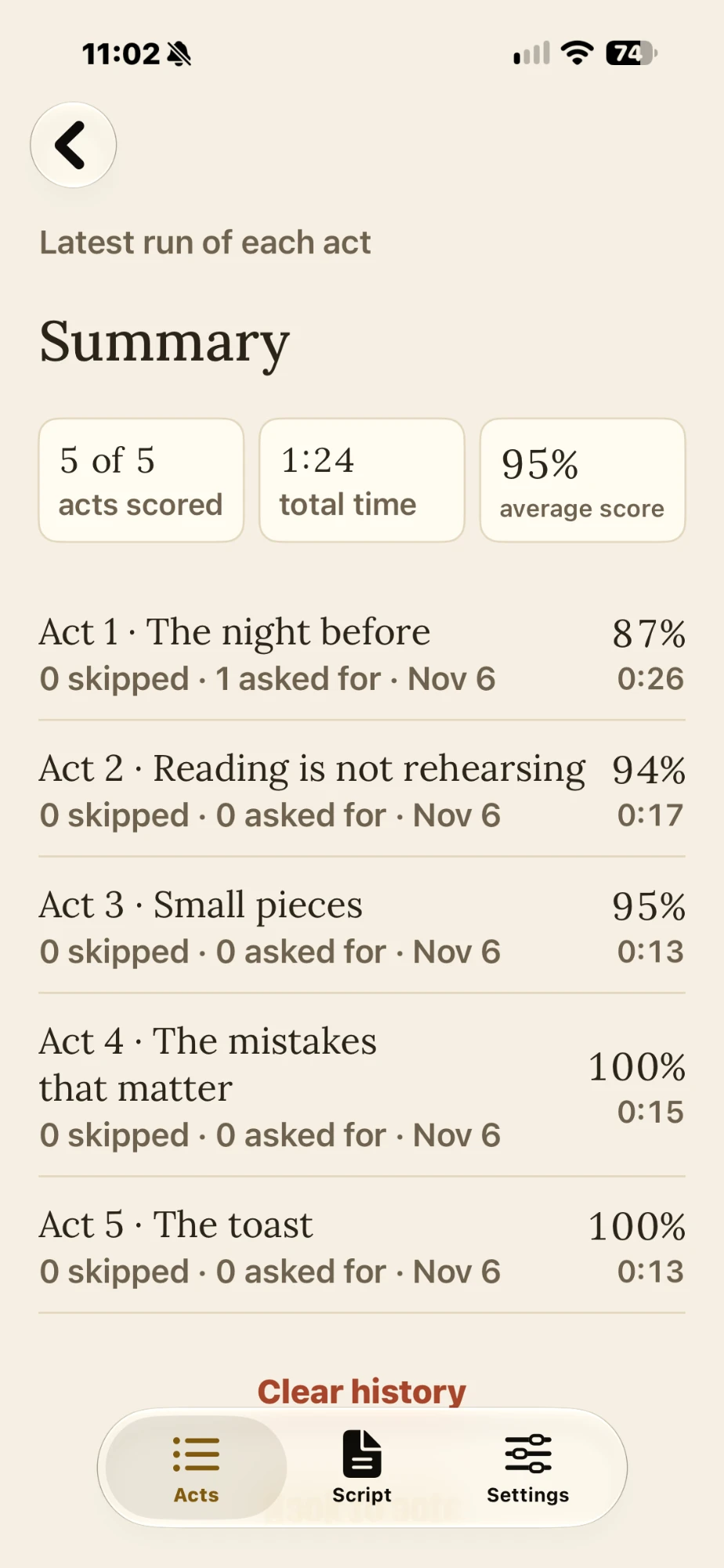
Track every act
The latest score and time for each act, so you know which one needs the next run.
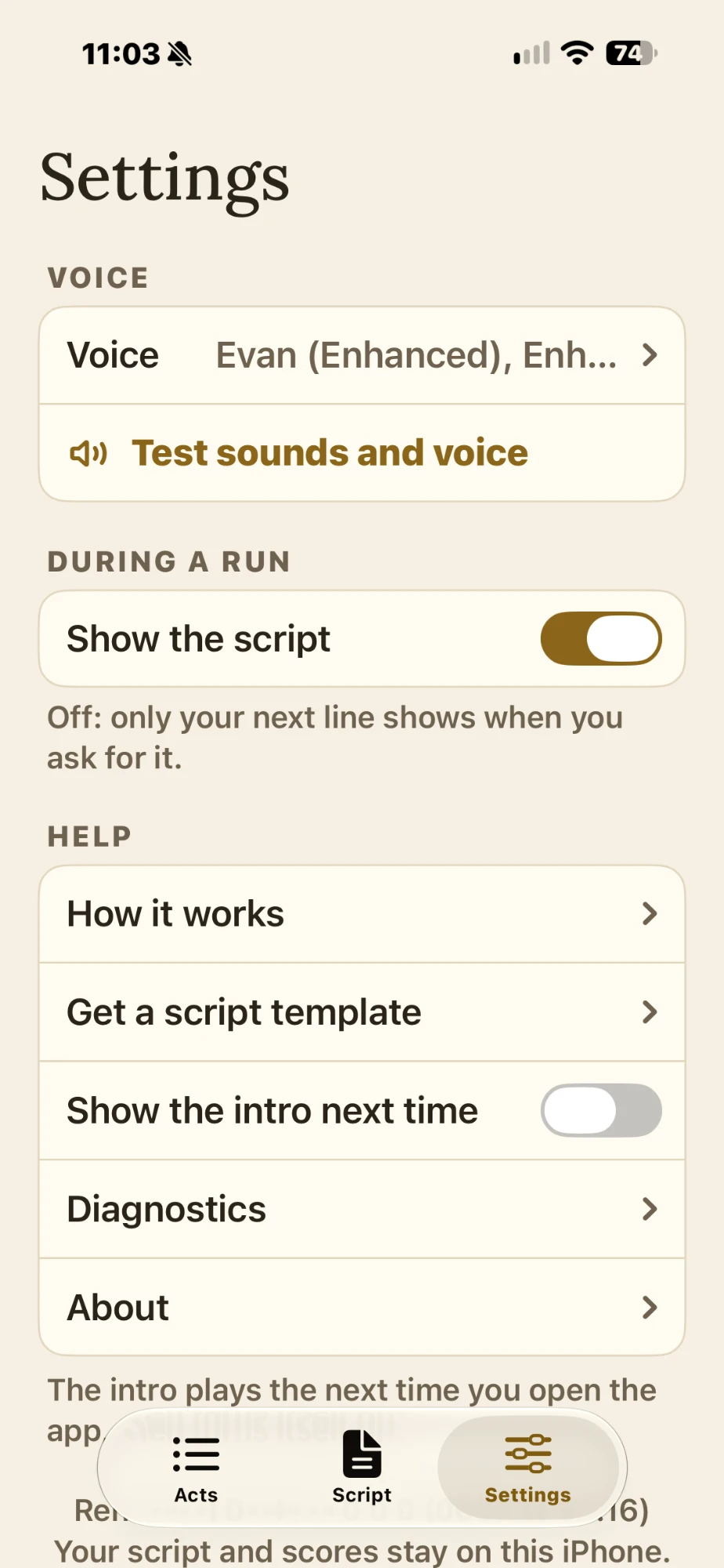
Choose the voice
iPhone’s standard voices, free Enhanced and Premium ones, or your own Personal Voice. Choose whether the script shows while you run.
Built for the way you practice
Hands free
Stand, walk, gesture. Say “next line” instead of looking down at your phone.
Follows along
Show the script while you run it. It scrolls as you speak and dims the words you have said.
Listen anywhere
Hear any act read aloud. Read, Gaps or Prompts, at the speed you like. Pause and skip from AirPods or the lock screen.
Scores the message
Your own words still count when the idea lands. It flags what you skipped and setups you forgot to pay off.
Any iPhone voice, or your own
Use the voices built into your iPhone, download free Enhanced or Premium ones for a more natural sound, or make a Personal Voice on your iPhone and hear your talk in your own voice.
Private by design
No account. Your script and scores stay on your iPhone.
Try it with your next talk.
Install TestFlight from the App Store, then open the beta link on your iPhone. No script yet? Tap Try a sample script.